

Debit Requests
Here, you will find detailed guidance on how debit requests are submitted and approved using the Prune API. This includes the necessary parameters, how to format your request, and what responses to expect. By following these instructions, you can seamlessly initiate debit transactions through the API.
Submitting a Request
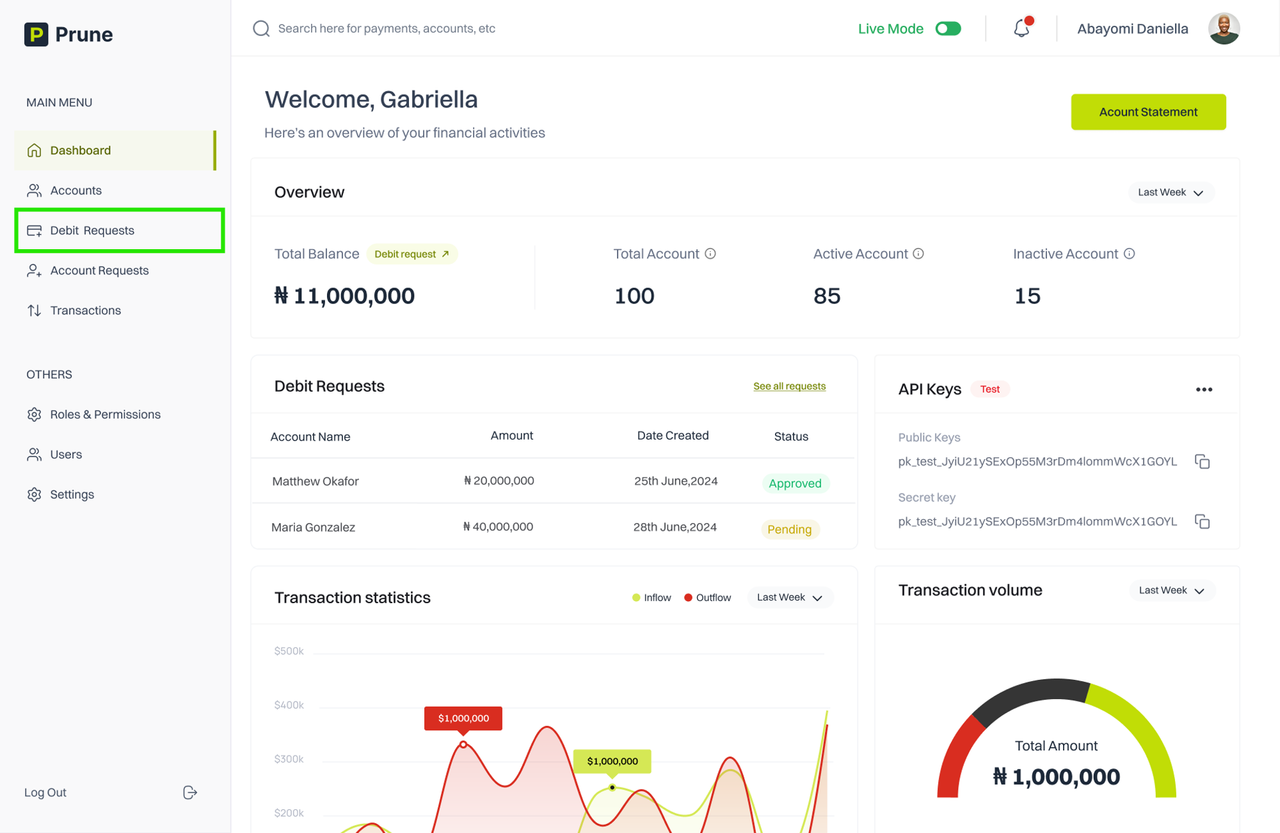
Once logged in to the dashboard, navigate to the debit request page.
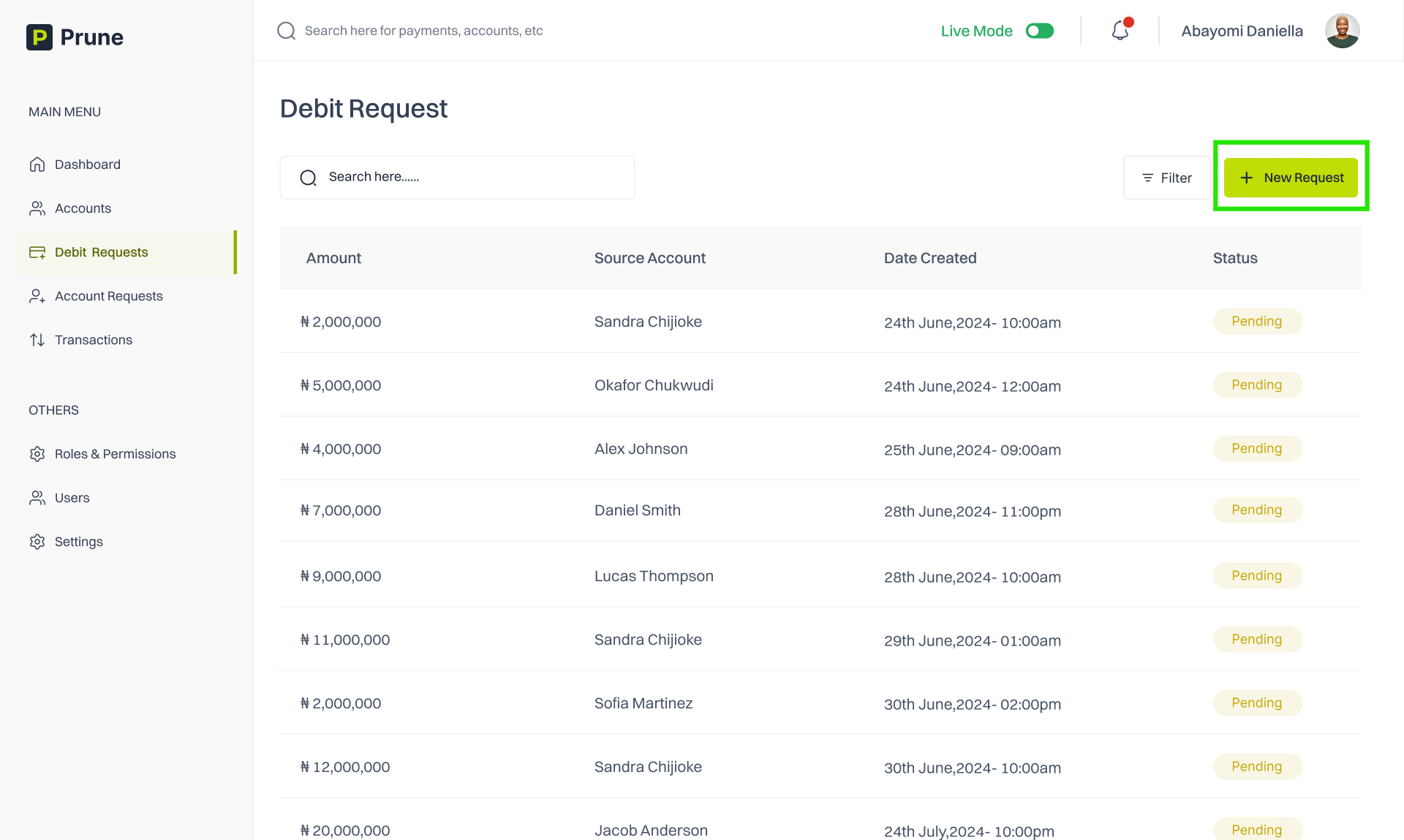
Click on the “New Request” button.
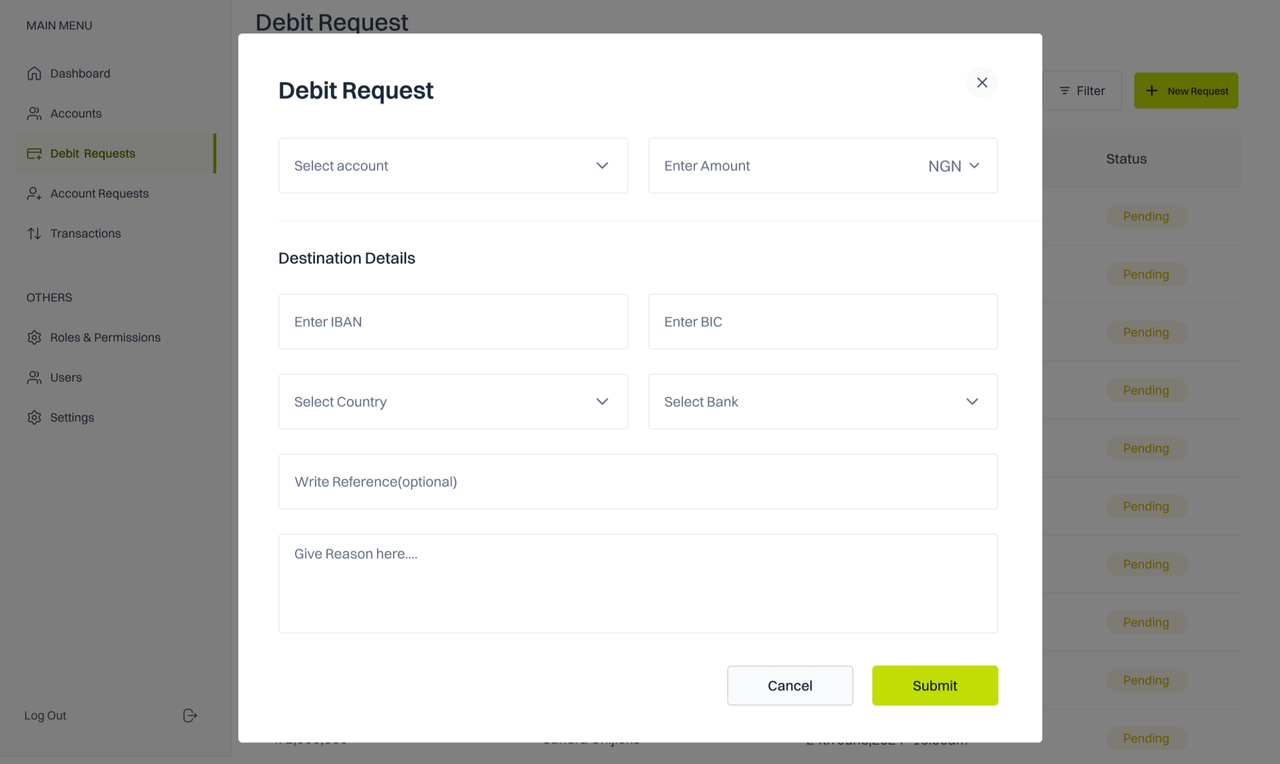
Fill in the form and click submit.
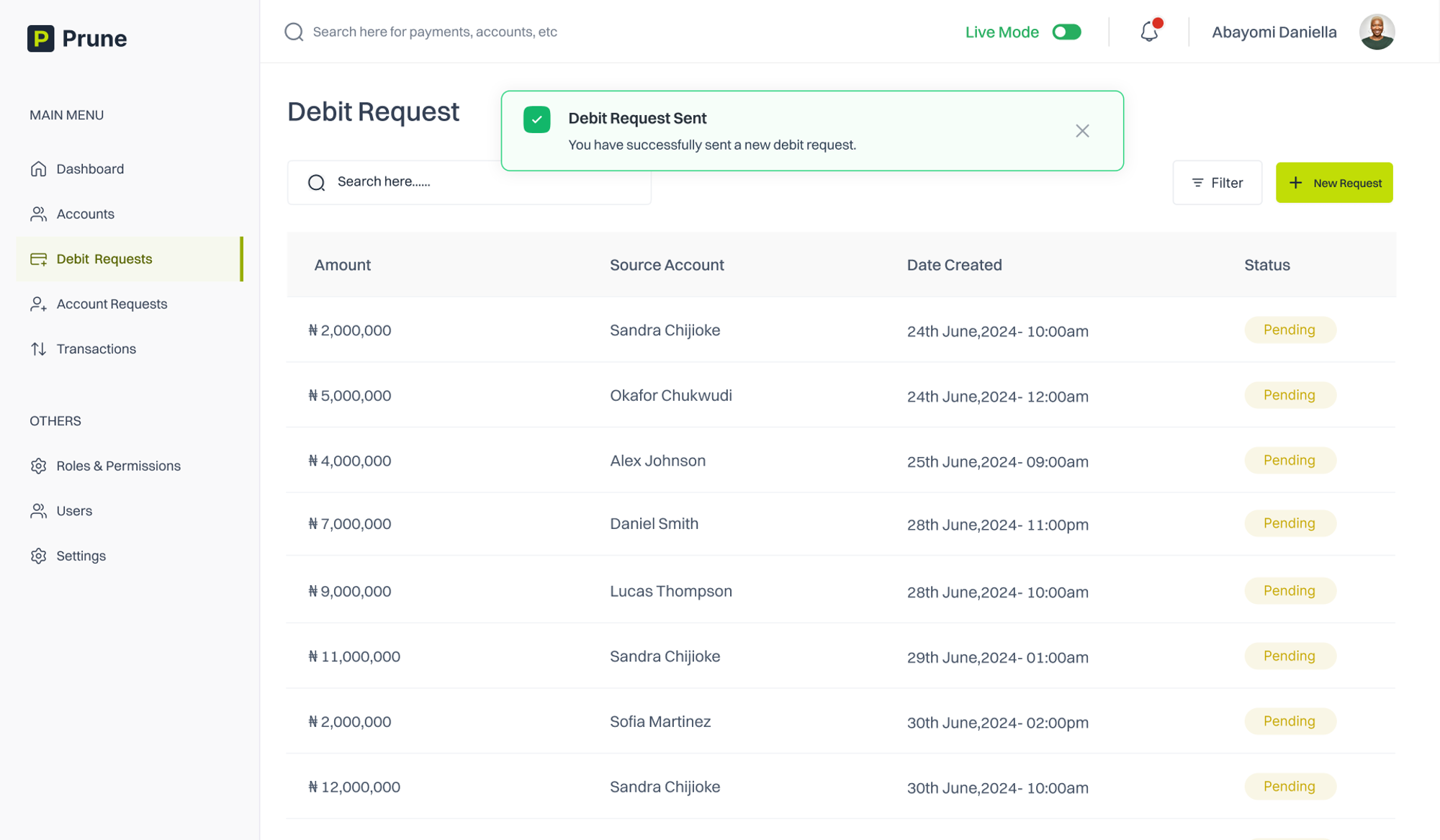
You should receive a successful message.
Last updated